
Arkheron Crossplay: Party Codes, Platforms and Invites
How Arkheron crossplay works between PC, PS5 and Xbox: party codes, the Discord integration, Communities and what does not carry across platforms.
Arkheron is crossplay from launch, across PC, PlayStation 5 and Xbox Series X|S. There is no opt-out toggle, no platform-segregated queue for the main mode, and no separate progression track per platform.
For the wider picture, the arkheron xbox→ page is the best place to start.
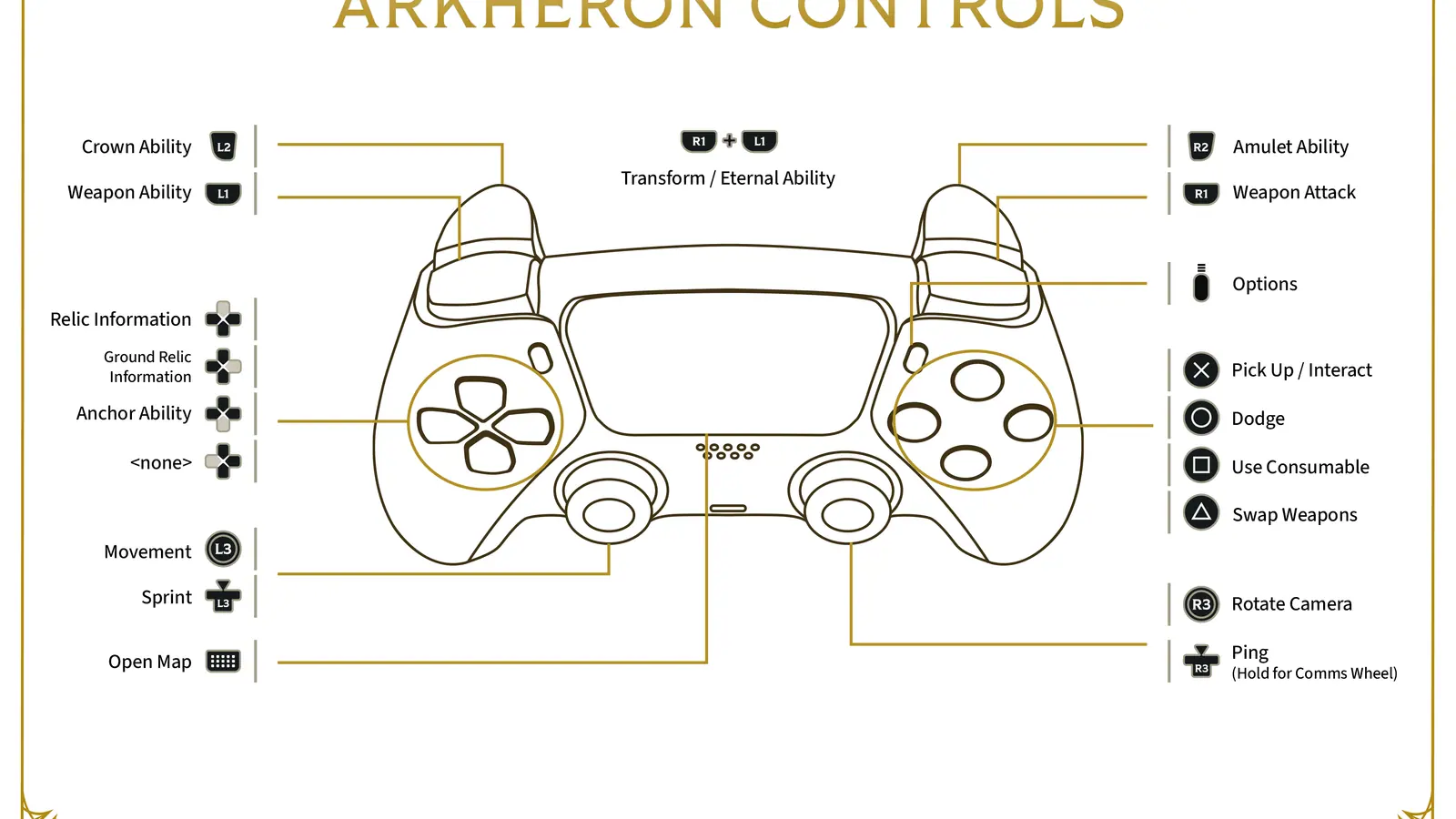
Quick answer: Crossplay covers Steam, PS5 and Xbox Series X|S in one pool. You invite friends with an in-game party code or through the PC Discord integration, and party codes update automatically when the roster changes.
How to invite a friend on another platform
- Form a party in game and open the party panel.
- Copy the party code. It refreshes automatically as people join or leave.
- Send the code through whatever you already use — console messages, Discord, a group chat.
- Your friend enters the code on their platform and lands in your lobby.
The code route is the reason crossplay works smoothly on console: you do not need to add someone as a platform friend first, and you do not need to know which store they bought the game on.
Once the party is together, the arkheron team comps→ page covers which three roles cover each other gaps.
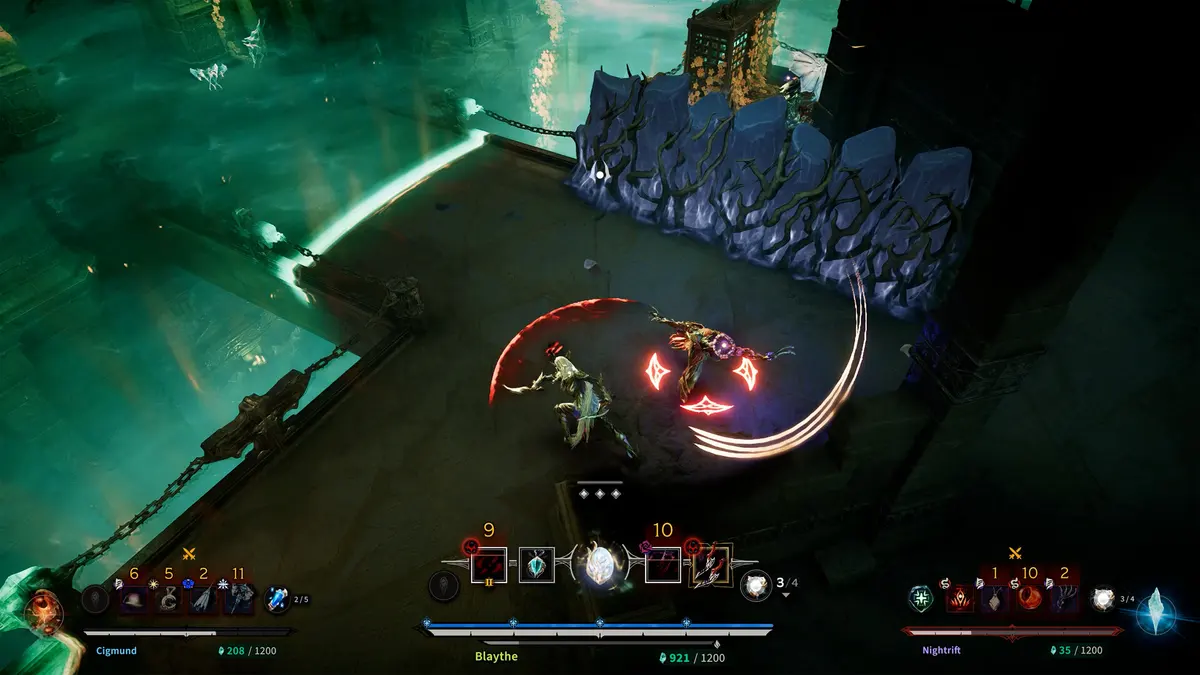
Discord integration on PC
The PC build has a Discord integration that shows Arkheron as your activity, lets friends join you directly from Discord, and allows invites to be posted in a channel. There is an Open Party setting, and it is off by default — which means your lobby is not joinable by strangers unless you change it.
Two practical notes. The integration is a PC feature; console players still rely on party codes. And because Open Party is off by default, "why can't my friend join me" is usually a settings problem, not a crossplay problem.
Communities and Find Party
The launch build added two social systems alongside the party code:
- Communities are persistent groups, closer to a clan than a one-off lobby. They give a place to organise recurring squads without adding everyone as a friend.
- Find Party is a browser for open groups, with a visible population number per region so you can see whether your region is active before you queue.
For a three-player game, both matter more than they would in a solo title. A duo looking for a third is the most common group type in Arkheron, and Find Party is the intended answer.
What crossplay does not cover
Crossplay is about playing together, not about sharing everything:
- Progress stays on the platform account you play on. Cross-progression has not been announced, so do not assume your PC unlocks appear on PS5.
- Purchases are platform-specific. Buying the game on Steam does not give you the PlayStation version.
- Cosmetics are tied to the account that earned them, for the same reason.
That last point is the one people get wrong. If you start on Xbox through Game Pass and later move to PC, you are starting a new account unless Bonfire ships cross-progression.
Crossplay and the Friend Pass
The Friend Pass edition is where crossplay earns its keep. A friend can download the free edition, join your party, and play Ascension and Spires with you as long as you own the game. That works across platforms.
The free edition is limited to the tutorial and training when played alone, and the full rules are on the Friend Pass page→. If you are organising a group, combining a Friend Pass player with two owners is the cheapest way to fill a squad.
Does crossplay affect matchmaking quality?
In practice, the shared pool helps. A three-player game with a mid-size population would struggle to fill lobbies at off-peak hours on a single platform; pooling all three fixes that.
The trade-off is that you will meet players on inputs you are not using. The design notes claim controller and mouse are balanced, and the aim assist is tuned to twin-stick play rather than snapping, but the difference is real at the top of the ladder.
If a friend cannot join your lobby, check the Open Party setting before you blame crossplay. The default keeps your party closed.
FAQ
Is Arkheron crossplay between PC and PS5?
Yes. PC, PS5 and Xbox share one matchmaking pool.
Can I turn crossplay off in Arkheron?
There is no crossplay toggle in the main modes. The pool is shared by design.
Do I need a platform friend request to play with someone?
No. Party codes work without adding anyone as a friend on any platform.
Is there cross-progression in Arkheron?
It has not been announced. Treat progress as platform-specific.
Does crossplay work with the free Friend Pass edition?
Yes, when the free player is grouped with someone who owns the game, during a free access window, or on a participating Partner Server.
Official source: Game Overview ↗ · Play Arkheron ↗ · Arkheron Discord ↗